
Example media
Reviewed visual examples
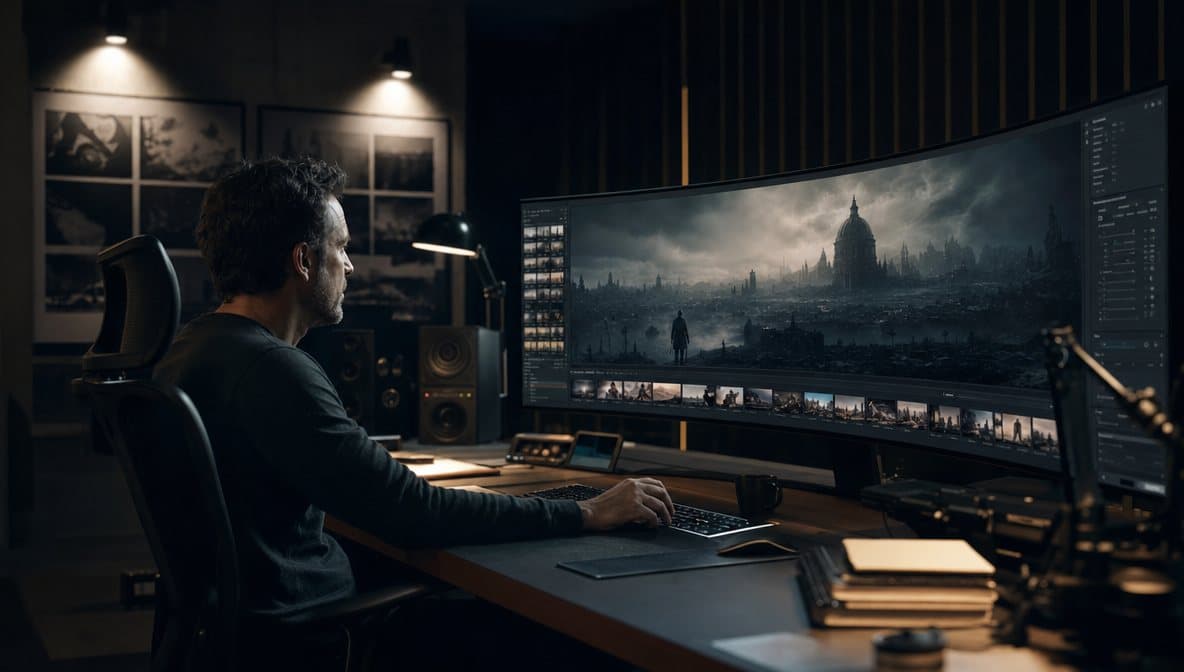
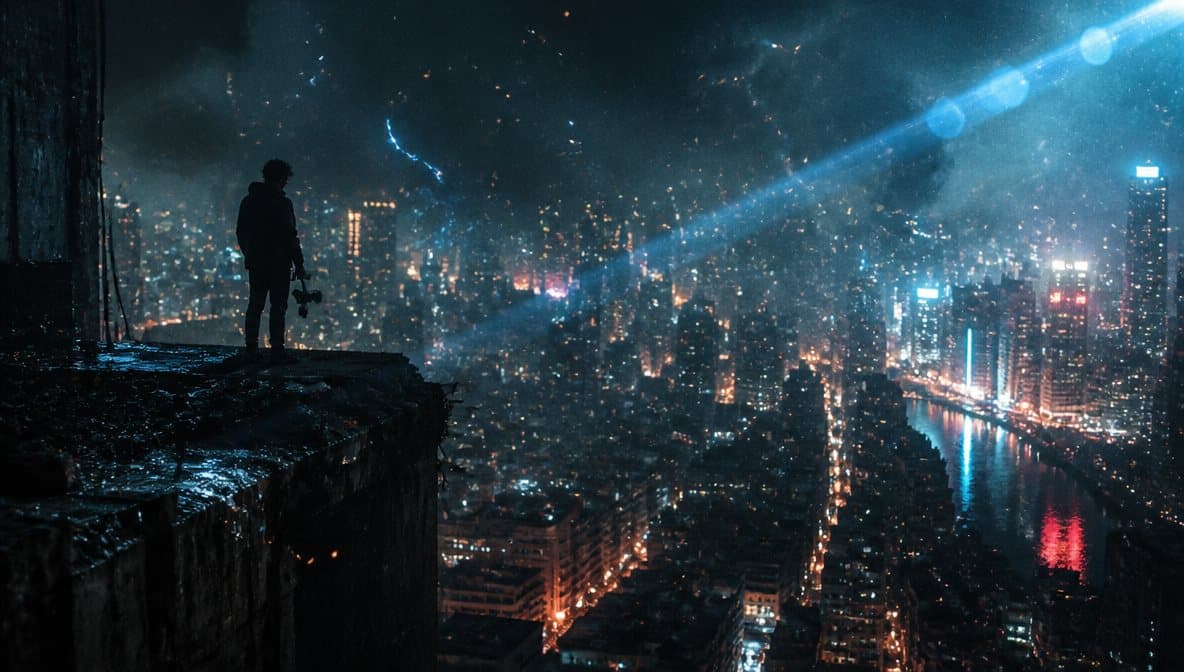
Reviewed workflow examples
Reviewed concept-draft use case
- Generate art direction without final typography.
- Add title and author text in a design tool.
- Review rights, print crop, and genre references before publishing.
How to use in goshortsai
Workflow steps
- 1
Choose genre and mood
Define genre signals without copying protected covers or characters.
- 2
Generate no-text art
Leave title and author typography for a design tool.
- 3
Review crop and rights
Check print crop, bleed, commercial rights, and style references.
- 4
Enhance and export
Use enhancement, resize, and compression only after the art direction is selected.
Specs
Use case status and media context
| Media context | No-text cover art, genre mood study, typography-safe composition. |
|---|---|
| Review | No unowned characters, no final text, print crop/bleed, publishing rights. |
| Workflow examples | No-text cover examples, prompt starters, review notes, and generation entry points. |
| Entry points | Generate, Image Enhancer, Image Resizer, Image Compressor. |
Common mistakes
Avoid these before publishing
- Generating final title or author text in the image.
- Referencing protected characters, franchises, or cover styles too directly.
- Skipping print crop, bleed, and publishing rights review.
Next action
Generate no-text cover art, then finish typography manually.
Use goshortsai for concept art and export preparation, not final publishing layout.
Use-case fit
Book-cover pages should help users draft concepts, not final publish-ready typography. A useful prompt defines genre, mood, object, space for text, and rights boundaries.
Workflow
Generate no-text cover art, refine image quality, then add final title and author typography manually.
- No unowned characters.
- No fake awards.
- Human publishing review.
Media review
The example images show no-text art direction and typography-safe composition. They need print, rights, and genre review before becoming publishable cover assets.
Prompt examples
Copy-ready starts
Copy an example, then replace the subject and production details with material you can use.
A no-text mystery book cover concept, narrow hallway, dramatic shadow, restrained composition, clear title space, original scene.
A tactile no-text memoir cover concept with layered paper, soft light, symbolic object, refined negative space, no final typography.
A no-text fantasy cover concept with a monumental gate, cinematic atmosphere, original setting, no known characters or franchise symbols.
A no-text romance cover concept with atmospheric landscape, warm practical light, original figures obscured, typography space reserved.
A no-text nonfiction cover concept with a minimal symbolic object, editorial negative space, precise shadows, no fake award badges.
FAQ
Frequently asked questions
No. Generate the cover art without text and add final typography in a design tool.
Avoid unowned characters, celebrity likenesses, protected artwork styles, and franchise references.
Leave safe margins for title, author, trim, bleed, and platform-specific cover previews.
AI image generation, Image Enhancer, Image Resizer, and Image Compressor help after the art direction is selected.